
AI worked solutions, step by step.
See the solution. Understand the reasoning.
The Problem Solver is AI-powered. Its solutions are AI-generated.
Explore the example solutions. The AI-powered beta is being prepared for learning plans.
EdDots Problem SolverAI · Beta

The guided reasoning companion
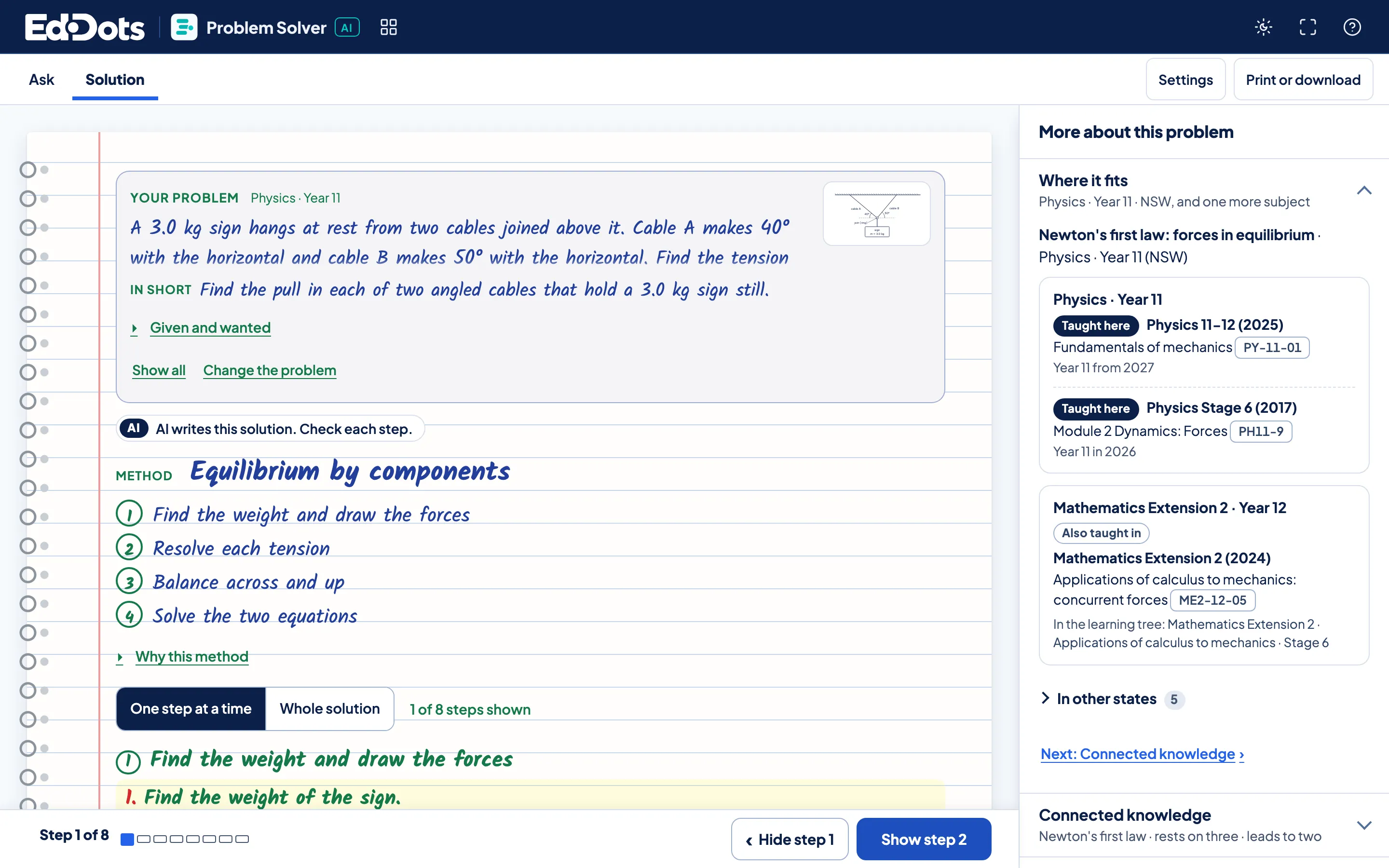
One problem, start to finish.
Explore an example solution and see where its ideas fit.
Example views. Open the tool to try it yourself.
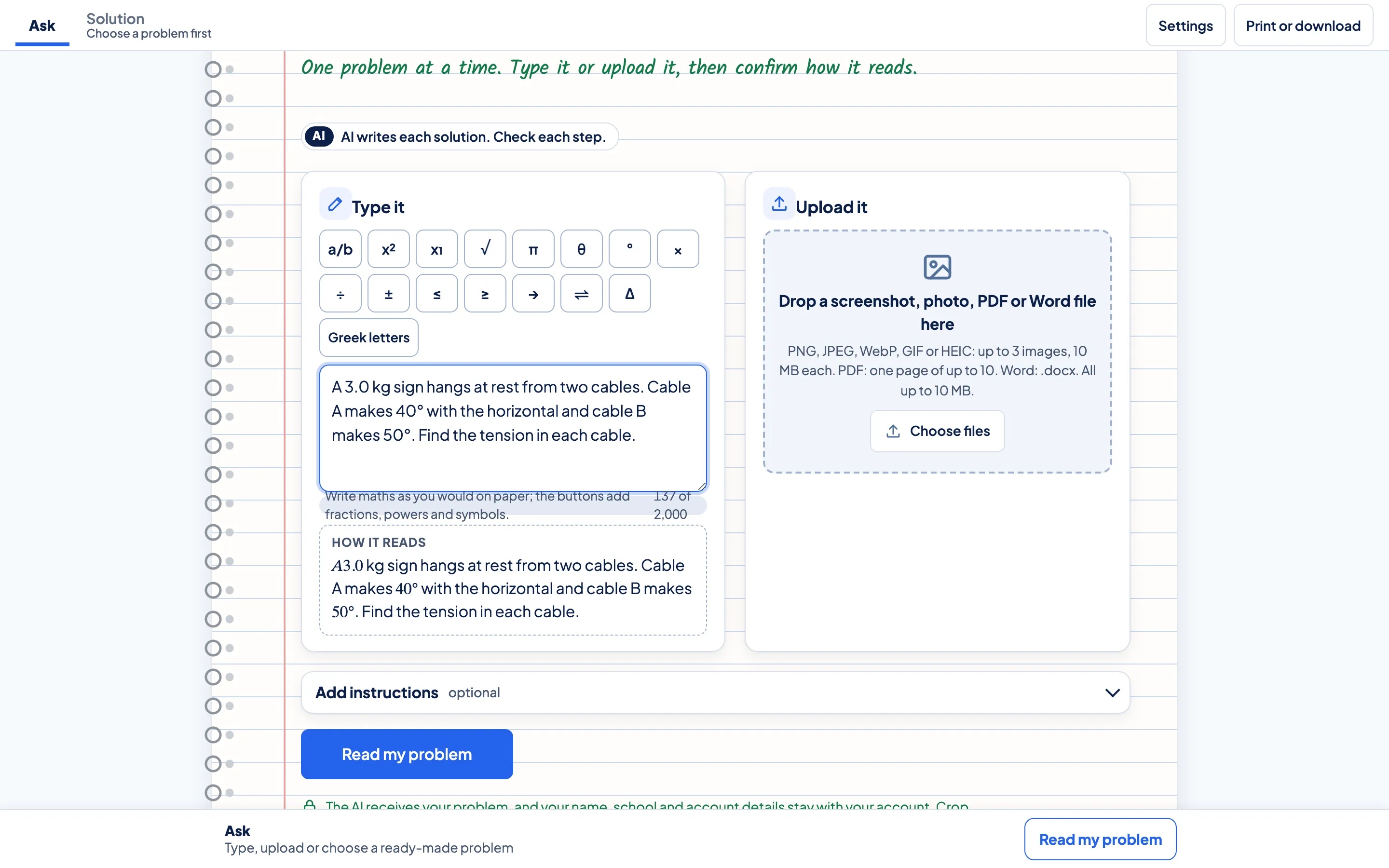
Bring a problem.
The example shows how a problem can be entered or attached.
Follow the solution.
See the method, then work through each step and the reason behind it.
See where it fits.
See the related concept and where it fits in a course.
Explore the example.
See the problem entry screen
Step-by-step reasoning
Where it fits



Questions about the Problem Solver.
How many problems can a learner bring?
The planned weekly Problem Solver allowance is 5 uses on Focus, 10 on Plus and 20 on Complete. Study Builder has a separate allowance. Beta access is being prepared.
What happens to a file added to the example?
In the public example, files stay in your browser and are not read or sent to an AI service.
How do I check a step?
In the examples, follow the explanation and use the linked lesson where one is provided.
Can a learner see the whole solution?
Yes. Choose Whole solution, or reveal each step and try the next move before you look.